Stream Idle Timeout While Requesting Pest Control
A stream idle timeout means an online system stopped waiting because it wasn't receiving data within its allowed time. If you encounter this error while looking for pest control, the message alone doesn't tell you whether a separate service request reached the business.
You can reach our team directly at (239) 910-1133 or email info@shieldpcs.com for pest control help. Start by separating the interrupted online response from the inspection or service request you wanted to make.
What a stream idle timeout tells you
An online tool can stop responding even when your internet connection still works. The interruption may involve the service generating the response or another system handling the connection.
However, the error message doesn't identify every part of the problem. Its individual fields offer limited clues, so avoid treating them as a complete explanation.
Understanding the error fields
If your message includes statusCode: 500
, that code indicates a server-side error. The label stream_idle_timeout
describes the timeout, while needsRetry: true
suggests that the software considers another attempt appropriate.
A message such as "The model stopped responding" refers to the system generating an answer. It doesn't establish that a pest control company's scheduling system failed.
Similarly, ok: false
reports that the operation associated with that response wasn't successful. It doesn't describe the status of every action you took before the error appeared.
Separating an interrupted response from a service request
Reading an automated answer and submitting an inspection request are different actions. A failure during one doesn't prove what happened during the other.
A timeout describes an interrupted online operation. It isn't evidence that a separate inspection request succeeded or failed.
Before sending another message, distinguish between information you were reading and information you actively submitted. That distinction helps you explain the situation without assuming a booking exists.
Contact our pest control team directly
You don't need to troubleshoot an online assistant before contacting us. Our phone number and email provide direct ways to ask about residential pest control, commercial services, or rodent control.
For an inspection, you can also request a free inspection through our contact page.
Call with your property and pest details
Our listed phone number is (239) 910-1133 . When you call, begin with the property location and the reason you're seeking help.
For example, explain whether you've seen insects indoors, noticed rodent activity, or need pest control for a commercial property. Then describe where the activity occurred.
If an online interruption prompted the call, explain what you were doing when it appeared. Mention whether you submitted your contact information or were only reading an answer. There's no need to diagnose the technical fault.
Email a clear service inquiry
You can email us at info@shieldpcs.com . A useful subject line identifies the service concern and city, while the message provides the property address and a callback number.
Keep the description factual. Include what you observed, where you observed it, and when it began.
If you previously submitted a request before receiving an error, mention that in the email. This gives context without requiring a long account of every troubleshooting step.
Pest control service in Southwest Florida
We serve Cape Coral, Fort Myers, and all of Lee County, Florida . We're also available in Punta Gorda, Bonita Springs, and Sanibel.
Include your property's city when contacting us, even if you're using a local phone number. A billing address, mailing address, and service address aren't always the same location.
For rental properties, identify the property where you need service rather than only the owner's home address. Likewise, businesses with several locations should name the affected building.
If you're arranging help for someone else, include your relationship to the property. An owner, tenant, property manager, or business representative may hold different information about the pest concern. Explaining your role helps keep the conversation focused on the right property and contact person.
Choose the service that fits your property
Start with the kind of property you need help with. Our pest control and rodent removal services cover residential and commercial needs.
You don't have to turn your inquiry into a technical report. A clear description of the property and visible activity is more useful than an uncertain pest diagnosis.
Residential pest control inquiries
Our residential pest control services are for homeowners seeking help with pests at home. Describe the affected space, such as a kitchen, garage, bedroom, or exterior area.
Also explain whether the activity appears confined to one location or occurs throughout the property. Seeing insects near one window provides different information than seeing them in several rooms.
Use ordinary language if you don't know the pest's name. Describe its appearance and where you found it rather than presenting a guess as a confirmed identification. You can also mention whether the concern involves a house you occupy or a property you manage.
Commercial pest control inquiries
Our commercial pest control services address pest concerns at business properties. Begin with the business type, property location, and affected area.
For example, identify whether the activity involves a customer area, office, storage room, or shared space. Include the best person to contact about the property.
If several employees have reported activity, separate direct observations from information passed along by others. A brief description of where and when each sighting occurred is easier to understand than a general statement that pests are everywhere.
Describe rodent concerns without guessing
If your concern involves rodents, identify that early in your inquiry. Our ECO Rodent Shield services address rodent control for homes and businesses.
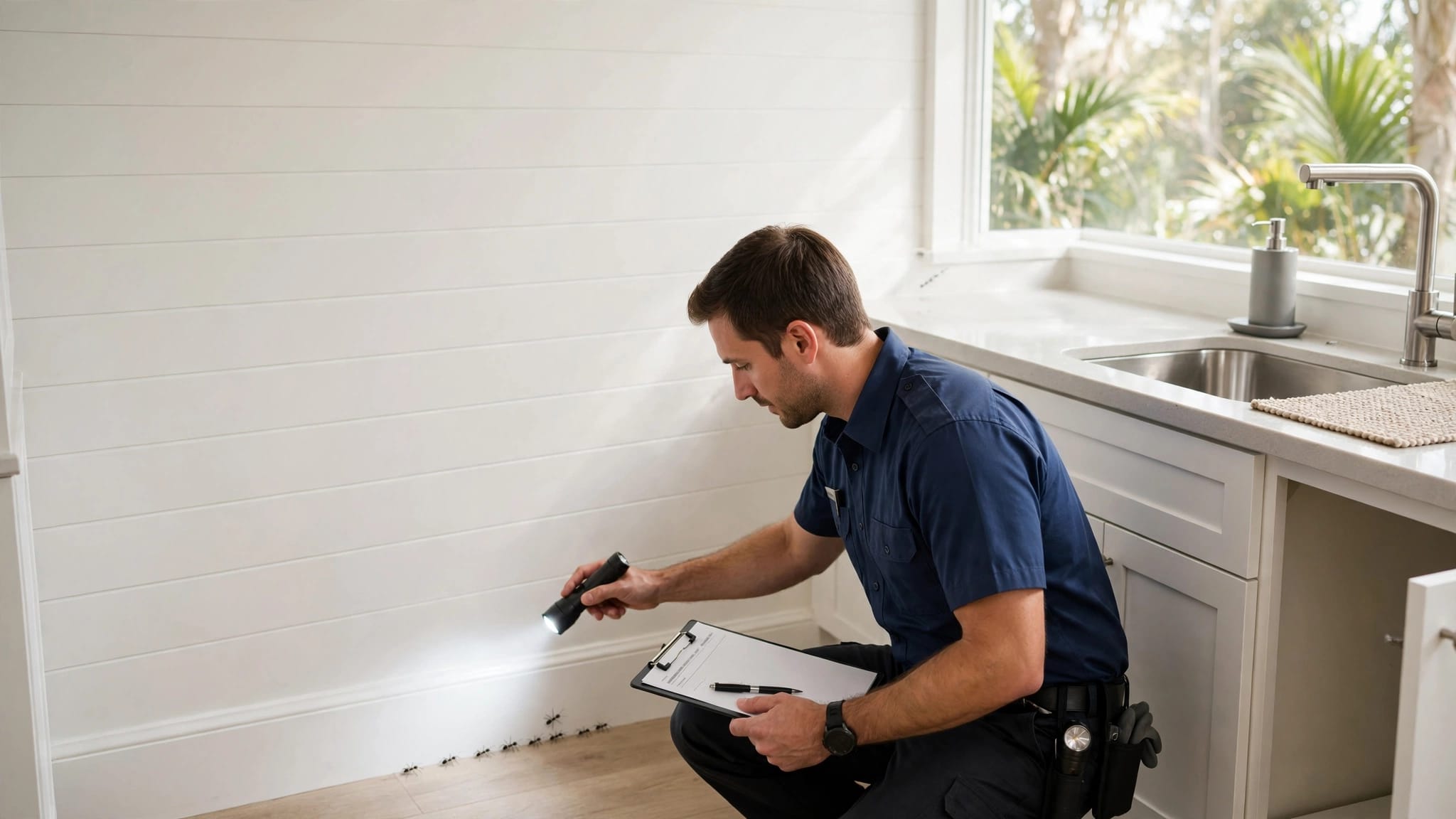
Describe the evidence you noticed. That might include a direct sighting, gnaw marks, droppings, or sounds in a particular part of the building.
However, keep observations separate from conclusions. Hearing movement above a ceiling doesn't establish the animal's species, how many animals are present, or where they entered.
Likewise, seeing one rodent doesn't establish the full extent of activity. Give the location and timing of the sighting without turning that observation into an estimate.
If the concern affects several areas, explain which signs occurred in each place. For a commercial property, distinguish between activity inside the building and observations around the exterior.
That information gives your inquiry a clear starting point. You don't need to add technical terminology or make unsupported claims about the cause.
What to include in your inspection request
A useful inquiry answers a few practical questions without becoming a lengthy narrative. Whether you contact us by phone, email, or our contact page, organize your information around the property and the concern.
Include these details when they're available:
- Provide the service address, city, and a reliable way to reach you.
- Describe what you've seen or heard and where the activity occurred.
- State when you first noticed the issue and whether you've noticed it again.
- Explain whether you're the owner, tenant, property manager, or business contact.
If more than one pest concern affects the property, describe each separately. For instance, keep an indoor insect sighting distinct from suspected rodent activity around a garage.
You can also mention work already performed or products already applied, without guessing at ingredients or amounts you don't know. Accurate information is more useful than a complete-looking account built on assumptions.
Leave unrelated account information out of the message. Passwords, payment card details, and login codes don't help describe a pest concern.
If the stream idle timeout happened during your search, a short explanation is enough. The priority is communicating the service need, not reproducing an entire technical conversation.
Key takeaways before you try again
An error message can interrupt your search without preventing you from contacting a pest control business directly. Keep the technical issue and the property concern separate.
- A stream idle timeout describes an online interruption, not the status of a separate inspection request.
- Our listed contact details are (239) 910-1133 and info@shieldpcs.com.
- We offer free inspections and provide residential, commercial, and rodent control services.
When you contact us, lead with your address and observations. Those details make your request clearer than a lengthy explanation of the failed online response.
Frequently asked questions
Does needsRetry: true mean I should keep resubmitting?
No. That field suggests a retry may be appropriate for the failed software operation. It doesn't instruct you to repeatedly submit a contact form.
If the interruption occurred while generating an answer, retrying that answer differs from sending another service inquiry. Keep track of which action failed so you don't confuse repeated attempts with separate requests.
Does a stream idle timeout mean my internet is down?
Not necessarily. A stream can time out because data stops arriving from another part of the system.
The message alone doesn't establish whether the interruption involved your connection, the remote service, or an intermediary. If you can still use other online services, that doesn't explain the original failure, but it does show that some connectivity remains.
Should I include the full error message in my pest inquiry?
Include a brief description if the error affected an attempt to contact us. The error type and the action you were taking usually provide more useful context than a large block of technical text.
Keep your property information and pest concern easy to find. Don't include passwords, login codes, or unrelated personal details copied from another screen.
Is a free inspection the same as a quoted treatment price?
No. A free-inspection offer and a treatment quote describe different things. Our contact page offers a free inspection; that statement doesn't establish a price for pest control work.
When requesting help, explain the property and concern rather than assuming the error message or inspection offer includes a treatment estimate.
Get your pest control inquiry back on track
A stream idle timeout doesn't explain the pest concern at your property or establish whether a separate request reached us. Direct contact gives you another way to communicate the information that matters.
Call (239) 910-1133 or email info@shieldpcs.com with your location and observations. Keep the inquiry focused on the property so an interrupted online response doesn't become the center of your service request.
Schedule a Free Inspection: